


In today’s competitive business environment, integrating Customer Relationship Management (CRM) systems and Project Management tools can significantly boost productivity and streamline operations.
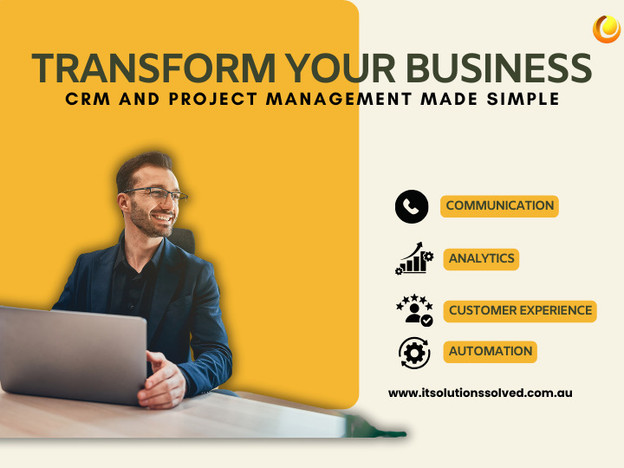
Understanding CRM & Project Management
CRM systems centralize customer interactions, enhancing relationships and operational efficiency. Key CRM features include contact management, sales pipeline tracking, customer service, marketing automation, and analytics.
Project Management tools facilitate planning, execution, and monitoring tasks, promoting collaboration and ensuring project success. Features include task assignment, Gantt charts, resource allocation, time tracking, collaboration tools, and progress reporting.
The Need for Integration
Integrating CRM with Project Management tools eliminates data duplication and enhances visibility across departments. It improves communication between sales and project teams, ensuring alignment between customer expectations and project outcomes.
Benefits of Integrating CRM and Project Management Software
Integration enhances customer experience by providing insights into the customer journey, improves planning and execution, ensures unified communication, boosts productivity, facilitates better resource allocation, enhances forecasting, fosters collaboration, and increases profitability.
Key Features to Look for in Integrated Solutions
When choosing integrated solutions, prioritize bi-directional data sync, automated workflows, unified dashboards, custom field mapping, real-time updates, user permission management, robust reporting, mobile accessibility, and integration with other business tools.
Steps to Successfully Integrate CRM with Project Management Tools
- Assess Your Current Systems and Needs: Identify integration goals and areas for improvement.
- Choose an Integration Solution: Select a solution based on scalability, compatibility, and ease of implementation.
- Plan the Integration Process: Define timelines, milestones, and responsibilities for seamless integration.
- Organize Your Data: Clean and standardize data across CRM and project management systems.
- Configure the Integration: Set up data mappings and automate workflows for efficient data transfer.
- Test the Integration: Ensure functionality, data accuracy, and usability across different scenarios.
- Train Your Team: Educate users on the integrated system to maximize efficiency and adoption.
- Deploy and Monitor: Implement the integrated system and monitor performance post-launch.
- Continuously Improve: Gather feedback and optimize processes for ongoing efficiency and success.
For expert CRM consulting and tailored solutions, connect with IT Solutions Solved. Transform your operations and enhance customer satisfaction with our specialized services.


