


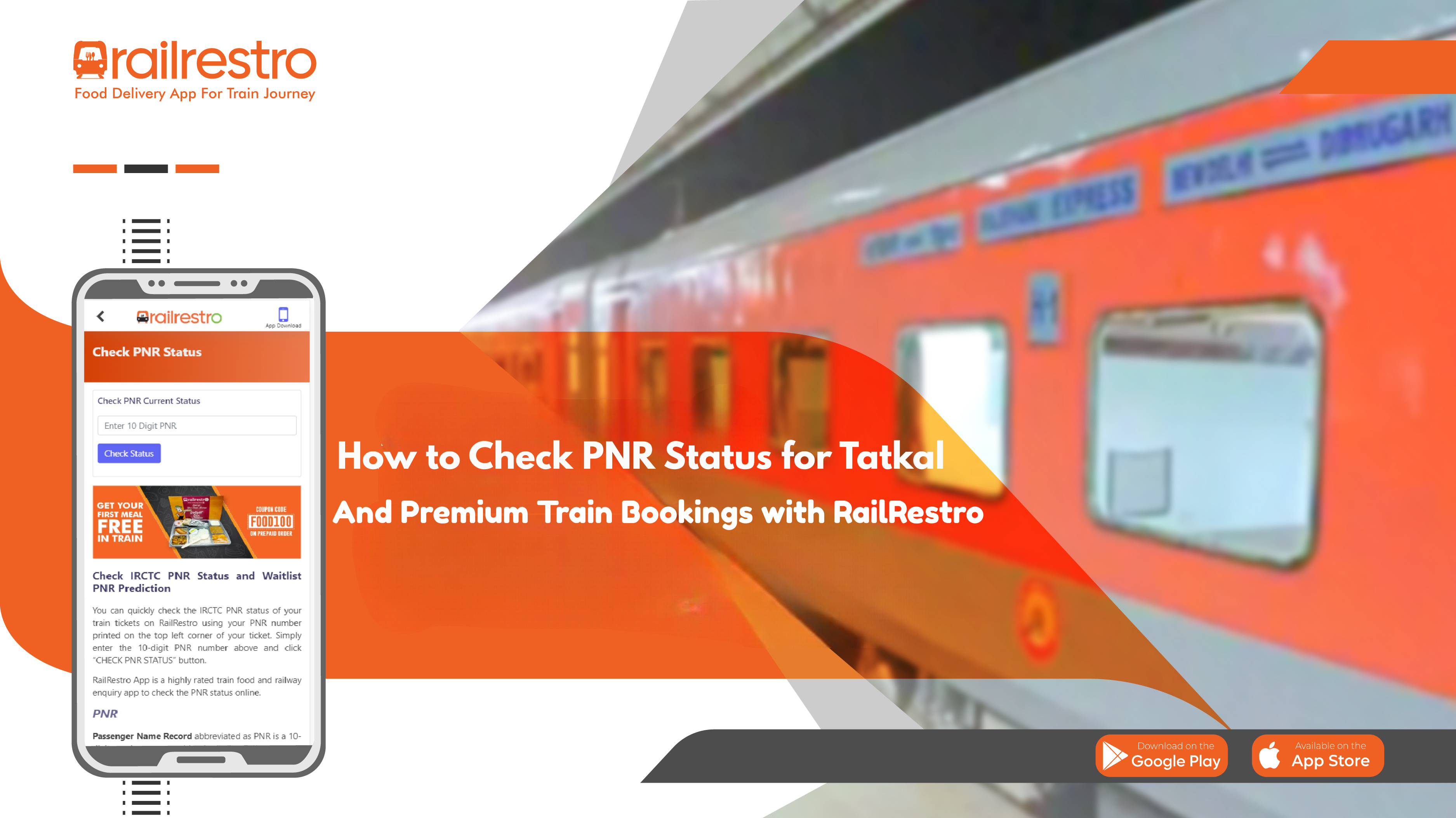
Booking Tatkal and Premium Tatkal tickets is a popular choice for last-minute travelers on Indian Railways, but these tickets come with unique confirmation rules and dynamic fare structures. For passengers using RailRestro, checking PNR status is essential to stay updated on ticket confirmation, seat allocation, and train schedule—especially as these bookings are highly time-sensitive and subject to rapid changes.
Understanding Tatkal and Premium Tatkal Bookings
Tatkal and Premium Tatkal quotas are designed for urgent travel needs. Tatkal bookings open one day before the train’s departure—at 10:00 AM for AC classes and 11:00 AM for non-AC classes. Premium Tatkal, introduced with dynamic fare pricing, offers limited seats at higher rates, and only confirmed tickets are issued under this quota; waitlist and RAC are not available for Premium Tatkal2. Both quotas are available for e-tickets only, and booking is not allowed through agents for Premium Tatkal.
Why Checking PNR Status is Crucial
With Tatkal tickets, there’s a high chance of being placed on the waiting list due to limited availability and high demand. Premium Tatkal, on the other hand, only issues confirmed tickets, but cancellations or operational changes can still affect your seat status. Therefore, checking your PNR status regularly on RailRestro ensures you know your latest booking status—whether confirmed (CNF), waitlisted (WL), or reservation against cancellation (RAC).
How to Check PNR Status on RailRestro
RailRestro provides a seamless way to check your PNR status for Tatkal and Premium Tatkal bookings:
- Step 1: Visit the RailRestro website or open the RailRestro app.
- Step 2: Navigate to the “Check PNR Status” section.
- Step 3: Enter your 10-digit PNR number (found at the top left of your ticket or in your e-ticket details).
- Step 4: Click on “Check PNR Status” to instantly view your ticket’s current status, coach/berth allocation, and train schedule.
RailRestro also offers live PNR status prediction, helping you assess the likelihood of confirmation for waitlisted Tatkal tickets. Alongside PNR status, you can view your train’s schedule, expected arrival and departure times, and live train running status, making it easier to plan your journey and food orders.
PNR Status Codes to Know
- CNF: Confirmed—seat and coach details are provided after chart preparation.
- RAC: Reservation Against Cancellation—half-berth allocated; may get confirmed if cancellations occur.
- WL: Waitlisted—no seat allocated; boarding not allowed if status remains after chart preparation.
- TQWL: Tatkal Waitlist—specific to Tatkal quota, prioritized after GNWL.
- CAN: Cancelled ticket.
Conclusion
For Tatkal and Premium Tatkal travelers, regularly checking PNR status on RailRestro is essential for a stress-free journey. This ensures you’re always informed about your ticket status, seat allocation, and train schedule, helping you avoid surprises and plan effectively. RailRestro user-friendly platform provides all the tools you need to stay updated, from PNR checks to live train status and food ordering.
Frequently Asked Questions (FAQ)
Q1: Can I get a waitlisted Premium Tatkal ticket?
A: No, Premium Tatkal only issues confirmed tickets. If seats are unavailable, booking is not permitted.
Q2: How do I check my Tatkal PNR status on RailRestro?
A: Enter your 10-digit PNR on the RailRestro website or app and click “Check PNR Status” for instant updates.
Q3: What does TQWL mean in PNR status?
A: TQWL stands for Tatkal Waitlist, indicating your ticket is on the waiting list under the Tatkal quota.
Q4: Can I check the train schedule along with my PNR status?
A: Yes, RailRestro displays your train’s schedule and running status alongside your PNR details.
Q5: What happens if my Tatkal ticket remains waitlisted after chart preparation?
A: Boarding is not permitted in reserved coaches. You should check your PNR status before travel to confirm eligibility


